Embroidery Basics
What Is a VP3 File? Complete Guide to the Pfaff & Husqvarna Viking VP3 Format
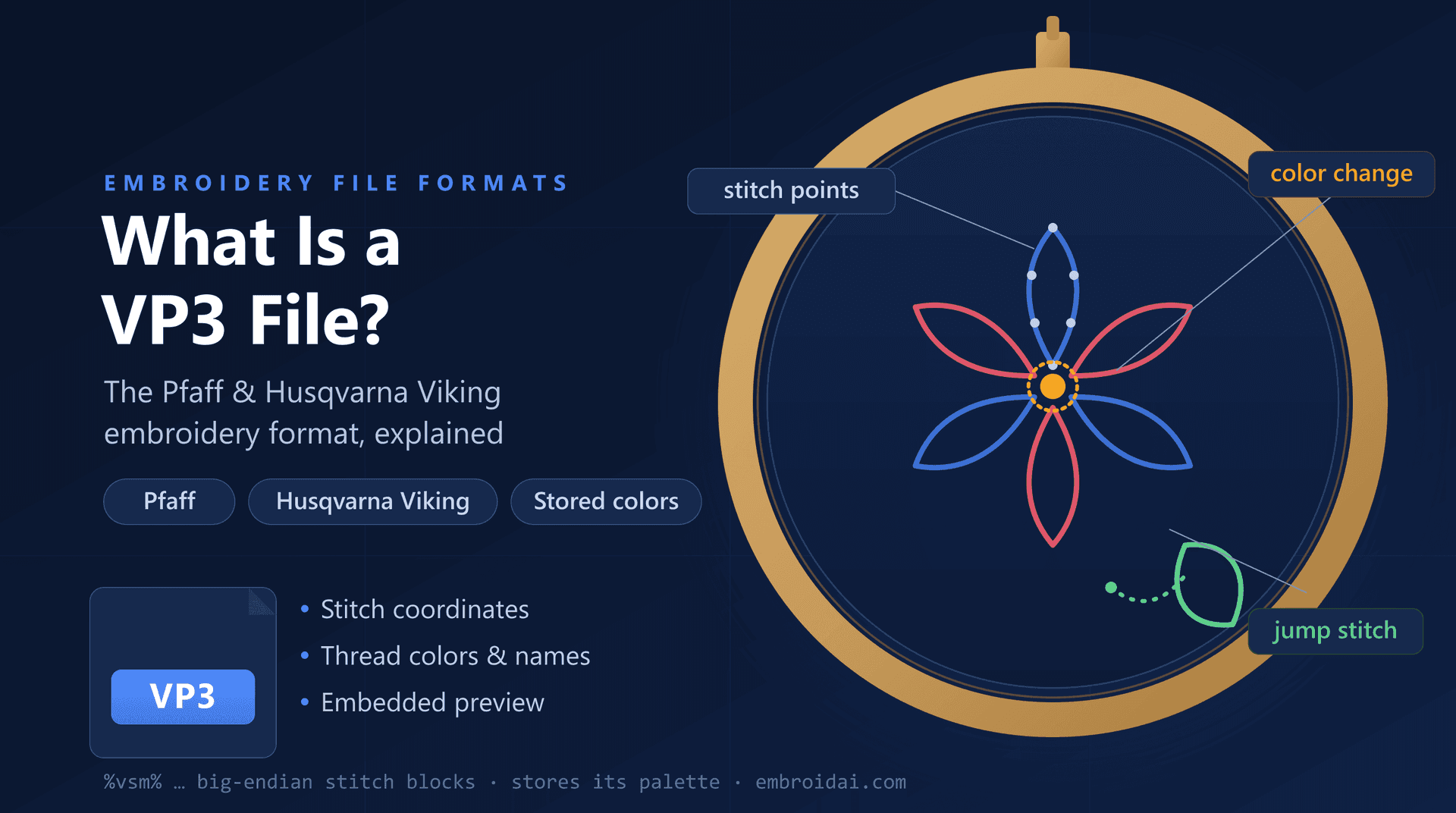
If you sew on a Pfaff or Husqvarna Viking embroidery machine, sooner or later a design will arrive as a VP3 file. VP3 is the modern native format for both brands, and unlike stripped-down formats such as DST, it carries thread colors, a preview, and other design details right inside the file.
In this guide, you'll learn what a VP3 file is, where the format comes from, what stitch and color data it stores, how it compares to DST and PES, and how to open, view, and convert VP3 files.
What Is a VP3 File?
A VP3 file is a machine embroidery file format developed by VSM Group — the company behind the Husqvarna Viking and Pfaff sewing and embroidery brands. VP3 stands for Viking / Pfaff, version 3, and it is the current native embroidery format for both.
Like other machine formats, the heart of a VP3 file is stitch data — a sequence of commands that tells the machine exactly where to place every stitch. But VP3 is a rich format: it wraps that stitch data together with thread colors, a design preview, and metadata so nothing has to be added back later.
The stitch commands inside include:
- Stitch movements (needle penetrations)
- Jump stitches
- Color change stops
- Trim commands
When a Pfaff or Husqvarna Viking machine loads a VP3 file, it replays these commands one after another while pulling the correct thread colors and design details straight from the file.
Why Is It Called VP3?
The name traces the format's lineage. Husqvarna Viking and Pfaff went through several embroidery formats over the years:
- .PCS — an early Pfaff embroidery format
- .VIP — the shared Viking/Pfaff format that came before VP3
- .VP3 — the current, more capable Viking / Pfaff version 3 format
VP3 replaced the older VIP format with better support for thread colors, longer designs, and richer metadata. This is why you often see .vip and .vp3 files side by side: the .vip is the legacy version, and the .vp3 is the modern one that today's machines and software prefer.
Because VP3 stores the finished stitch data, it shares the same trade-off as every stitch format: it does not resize well. Scaling a VP3 design changes stitch spacing without adding or removing stitches, so significant size changes should be done in the original digitizing file instead.
Which Machines and Brands Use VP3 Files?
VP3 is tied to two closely related embroidery brands owned by the same group:
Husqvarna Viking
VP3 is the native format for modern Husqvarna Viking embroidery machines, including the Designer and Epic series. Designs downloaded for these machines are commonly delivered as .vp3.
Pfaff
Pfaff embroidery machines — such as the creative and performance lines — share the VP3 format, since both brands are made by VSM Group and use the same embroidery software ecosystem.
Everything Else, via Conversion
Most digitizing and embroidery software — including tools from Wilcom, Hatch, Embird, and the free Ink/Stitch — can read and write VP3. If your machine expects DST, PES, or JEF, the VP3 design can be converted without redigitizing.
What Information Does a VP3 File Contain?
A VP3 file stores much more than raw stitches, which is what sets it apart from formats like DST and EXP.
Stitch Data
Each stitch is stored as a movement that traces the sewing path, along with jump, trim, and color-change commands — the same building blocks every machine format uses.
Thread Colors and Names
This is the big difference. VP3 stores the actual thread colors for the design, and often the thread brand and color name for each block, so the design opens with the intended palette already in place.
Design Preview
A VP3 file typically embeds a preview of the finished design, so software and machines can show a thumbnail without having to render every stitch first.
Metadata
The format can also carry extra information such as the design dimensions, stitch count, and notes — details that leaner formats simply throw away.
Because everything travels together, a single .vp3 file is usually all you need — there's no separate color sheet or companion file to keep track of.
What Does a VP3 File Not Contain?
VP3 is rich, but it is still a production format, not a fully-editable design file:
- Editable design objects (outlines, lettering, and fills as reshapeable shapes)
- The original vector artwork the design was digitized from
- The digitizing parameters (underlay, densities, pull compensation) used to build it
Like every stitch format, a VP3 file holds the finished result, not the recipe. Professional digitizers keep the master design in their software's native editable format and export VP3 only for stitching.
VP3 vs DST: What's the Difference?
VP3 and DST sit at opposite ends of the stitch-format spectrum. DST is a lean, universal exchange format; VP3 is a rich, brand-specific one. The main differences:
| VP3 File | DST File |
|---|---|
| Developed by VSM Group (Viking/Pfaff) | Developed by Tajima |
| Native to Husqvarna Viking and Pfaff machines | Supported by most commercial machines |
| Stores thread colors and names | No thread colors stored |
| Embeds a design preview and metadata | Stitch data with a small text header only |
| Common in Viking/Pfaff home embroidery | The de facto industry exchange format |
In practice, the two formats are interchangeable through conversion — though converting VP3 to DST drops the thread colors, while converting to a color-aware format like PES keeps them. For a deeper look at that other side, see our guide on DST vs PES.
How Are VP3 Files Created?
VP3 files are created through embroidery digitizing — the process of converting artwork, logos, or text into machine-readable stitch instructions.
During digitizing, the designer decides on:
- Stitch types (running, satin, and fill stitches)
- Stitch directions and density
- Underlay to stabilize the fabric
- Pull compensation for fabric stretch
- Thread colors for each section of the design
- The sewing sequence and travel paths
Once the design is finished, the software generates the final stitch data and exports it as VP3 for Husqvarna Viking or Pfaff machines — or as DST, PES, or JEF for other brands.
How to Open and View a VP3 File
There are three practical ways to open a VP3 file:
Embroidery Software
Digitizing suites and free tools such as Ink/Stitch can open VP3 designs, show the stitch path and colors, and re-export to other formats. Viking and Pfaff also ship their own Embroidery software that reads VP3 natively.
Embroidery Machines
Husqvarna Viking and Pfaff machines load VP3 designs directly from a USB stick, complete with their stored thread colors.
Online Viewers
An online viewer lets you inspect a design in the browser without installing anything. The free EmbroidAI VP3 viewer opens a .vp3 instantly and shows stitches in their real colors, color blocks, jumps, and exact dimensions — and there are matching DST and PES viewers if you have the same design in another format.
Work with embroidery files in your browser
Convert DST ↔ PES for free, or sign in to digitize artwork and export machine-ready DST, PES, EXP, and JEF files.
Common VP3 File Problems (and Fixes)
My machine or software won't open the file
Make sure the design is a modern .vp3 and not the legacy .vip version, and that your software supports it. If you only have a .vip, re-save it as VP3, or use a converter that reads both.
The colors changed after converting
VP3 stores thread colors, but leaner formats like DST and EXP do not. If you convert to one of those, the colors are dropped — keep a copy of the original VP3, or convert to a color-aware format like PES instead.
The design stitches poorly after resizing
Like every stitch format, VP3 contains final stitch data, so scaling changes stitch spacing without regenerating stitches. Resize the original digitizing file, or have the design redigitized at the new size.
Common Uses of VP3 Files
You'll typically encounter VP3 files in:
- Home embroidery on Husqvarna Viking and Pfaff machines
- Design marketplaces that bundle VP3 alongside PES, DST, and EXP
- Monograms, appliqué, and in-the-hoop projects
- Quilting and decorative embroidery designs
- Collections shared within Viking and Pfaff sewing communities
Because VP3 keeps thread colors and a preview inside the file, it is a convenient, self-contained delivery format for anyone stitching on a Viking or Pfaff machine.
Frequently Asked Questions
What does VP3 stand for?
VP3 stands for Viking / Pfaff, version 3. It is the third-generation embroidery format from VSM Group, the company behind the Husqvarna Viking and Pfaff sewing and embroidery brands.
Which embroidery machines use VP3 files?
VP3 is the native embroidery format for modern Husqvarna Viking and Pfaff embroidery machines. Older machines from the same brands used the earlier .VIP and .PCS formats, and most other machines can use a VP3 design after converting it to their own format.
Do VP3 files store thread colors?
Yes. Unlike DST or EXP, a VP3 file is a rich format that stores actual thread colors, thread brand and color names, a design preview, and other metadata alongside the stitch data — so the design opens with the correct colors already assigned.
What is the difference between VP3 and VIP files?
VIP is the older Husqvarna Viking / Pfaff format that VP3 replaced. VP3 is the newer, more capable format with better thread color and metadata support. Modern machines and software prefer VP3, but many tools still read the legacy VIP format.
Can I convert a VP3 file to DST or PES?
Yes. Because VP3, DST, and PES all store stitch data, embroidery software and online converters can translate between them while keeping the stitches intact. Converting to a color-aware format like PES keeps the thread colors; converting to DST or EXP drops them.
Can I open a VP3 file by renaming the extension?
No. A VP3 file contains machine stitch instructions and design data, not image data, so renaming it to .jpg or .png will not make it viewable. Use embroidery software or an online embroidery viewer instead.
Conclusion
A VP3 file is the Viking / Pfaff version 3 format: a rich, self-contained embroidery file that pairs stitch, jump, trim, and color-change commands with actual thread colors, a preview, and metadata. Husqvarna Viking and Pfaff machines can sew it directly, with the right colors already in place.
If you receive a VP3 design, you can view it in embroidery software, sew it on a Viking or Pfaff machine, or convert it to DST, PES, or JEF for any other brand — just remember that only color-aware formats keep the thread colors along the way. Understanding what the format does (and doesn't) contain is the key to smooth production and correctly colored results.