Embroidery Basics
What Is a VIP File? Complete Guide to the Pfaff & Husqvarna Viking Format
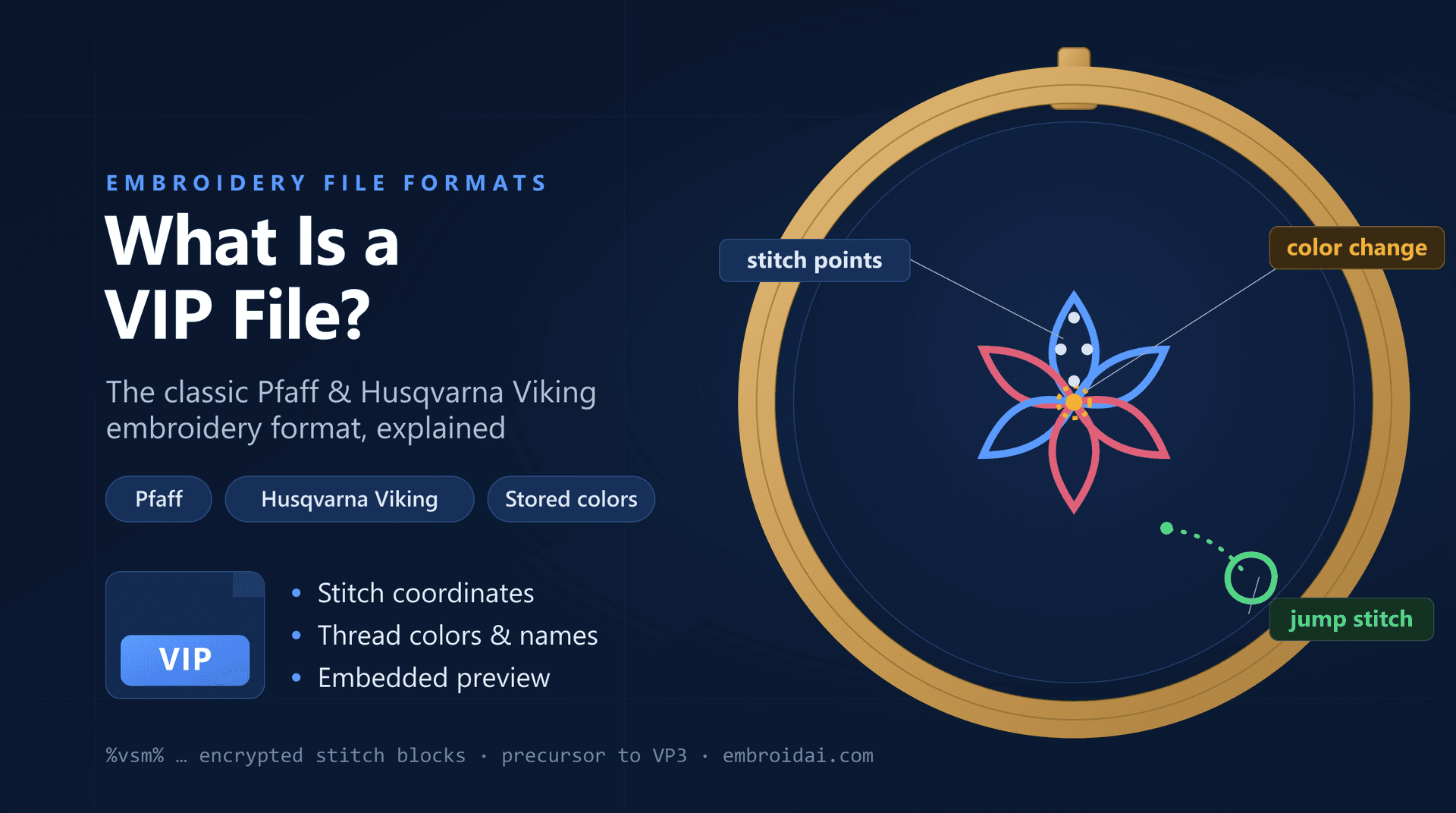
If you own an older Husqvarna Viking or Pfaff embroidery machine, or you've downloaded a design pack that includes a .vip file, you may be wondering what this format is and how to use it. The VIP format is the classic native embroidery format shared by Viking and Pfaff machines, and unlike the widely used DST format, it remembers its own thread colors.
In this guide you'll learn what a VIP file is, what data it stores, its advantages and disadvantages, which machines can read it, how it relates to the newer VP3 format, and how to open, view, and convert VIP files.
What Is a VIP File?
A VIP file is a machine embroidery file format developed for Husqvarna Viking and Pfaff embroidery machines, which belong to the same brand family. It was one of the standard home-embroidery design formats for these machines before the arrival of its successor, VP3.
Like other embroidery formats, a VIP file does not store a picture made of pixels. Instead, it stores the instructions an embroidery machine needs to sew a design — but it goes further than a stripped-down format like DST by also saving the design's thread colors and a preview.
A VIP file typically contains:
- Stitch coordinates that define the sewing path
- Jump stitches between separate areas of the design
- Color change commands
- Embedded thread color information
- Trim commands
- A small preview image of the finished design
Because it stores colors and a preview, a VIP design opens looking the way the digitizer intended, rather than in placeholder colors.
Advantages of the VIP Format
For the machines it was built for, the VIP format has some clear strengths:
- Stores thread colors, so designs open with their intended palette
- Includes a built-in preview image of the finished design
- Compressed file structure keeps designs reasonably small
- Native support on older Husqvarna Viking and Pfaff machines
- Widely available in older design libraries and collections
For a Viking or Pfaff owner, the biggest day-to-day benefit is convenience: you don't have to reassign thread colors every time you open a design.
Disadvantages of the VIP Format
The VIP format also has real limitations, most of which come from its age:
- It is largely a legacy format — newer machines prefer VP3
- Limited compatibility outside the Husqvarna Viking and Pfaff family
- Not as widely supported by third-party software as DST or PES
- Older designs may cap the number of colors or stitches they store
- Sharing a VIP file with someone on a different machine usually means converting it first
In short, VIP is excellent within its own ecosystem but awkward to hand off to the wider embroidery world, where DST is the universal trade format.
Compatible Machines
VIP is closely tied to the Husqvarna Viking and Pfaff brands, which share a parent company. It is commonly read by:
- Older Husqvarna Viking home embroidery machines
- Older Pfaff embroidery machines from the same era
- Viking and Pfaff embroidery software
- Third-party embroidery programs that support the VIP format
Newer Husqvarna Viking and Pfaff machines have largely moved to the VP3 format, which is the richer, more modern successor. If your machine is recent, check whether it prefers VP3 — though many still accept VIP for backward compatibility.
What Information Does a VIP File Store?
It helps to think of a VIP file as stitch data plus a color recipe.
Stitch Data
Every needle penetration is stored as coordinates that define the exact path the machine sews.
Thread Colors
The file records which colors to use and where they change, so the design displays and stitches in its intended palette.
Jump Stitches and Trims
Commands tell the machine when to move without stitching and when to cut the thread between sections.
Preview Image
A small embedded thumbnail lets machines and software show the design before it is stitched.
VIP vs VP3: How Are They Related?
VIP and VP3 come from the same Viking and Pfaff family, so they're often confused. The simplest way to remember it: VIP is the older format, and VP3 is its modern replacement. When Husqvarna Viking and Pfaff updated their machines and software, VP3 became the default because it stores richer thread information and metadata.
If you have a VIP design and a newer machine, converting it to VP3 is often the most natural upgrade — you stay inside the same brand ecosystem while gaining the format your machine prefers. If you need to move outside that ecosystem, DST or PES is the better target.
How to Open a VIP File
There are three practical ways to open a VIP file:
On a Husqvarna Viking or Pfaff Machine
Compatible Viking and Pfaff machines read VIP files directly from a USB stick or connected media.
In Embroidery Software
Viking and Pfaff software, along with many third-party embroidery programs, can open and edit VIP designs.
In an Online Embroidery Viewer
The quickest way to just look at a design is a free online viewer. Upload the file and preview the stitches, colors, and dimensions directly in your browser — no software to install. Our free embroidery viewer is a fast way to inspect a design before you stitch it.
How to Convert a VIP File
Because VIP is a legacy format, converting it is one of the most common things owners need to do — usually so a design can move to a newer machine, be stitched on a non-Viking machine, or be shared with someone else.
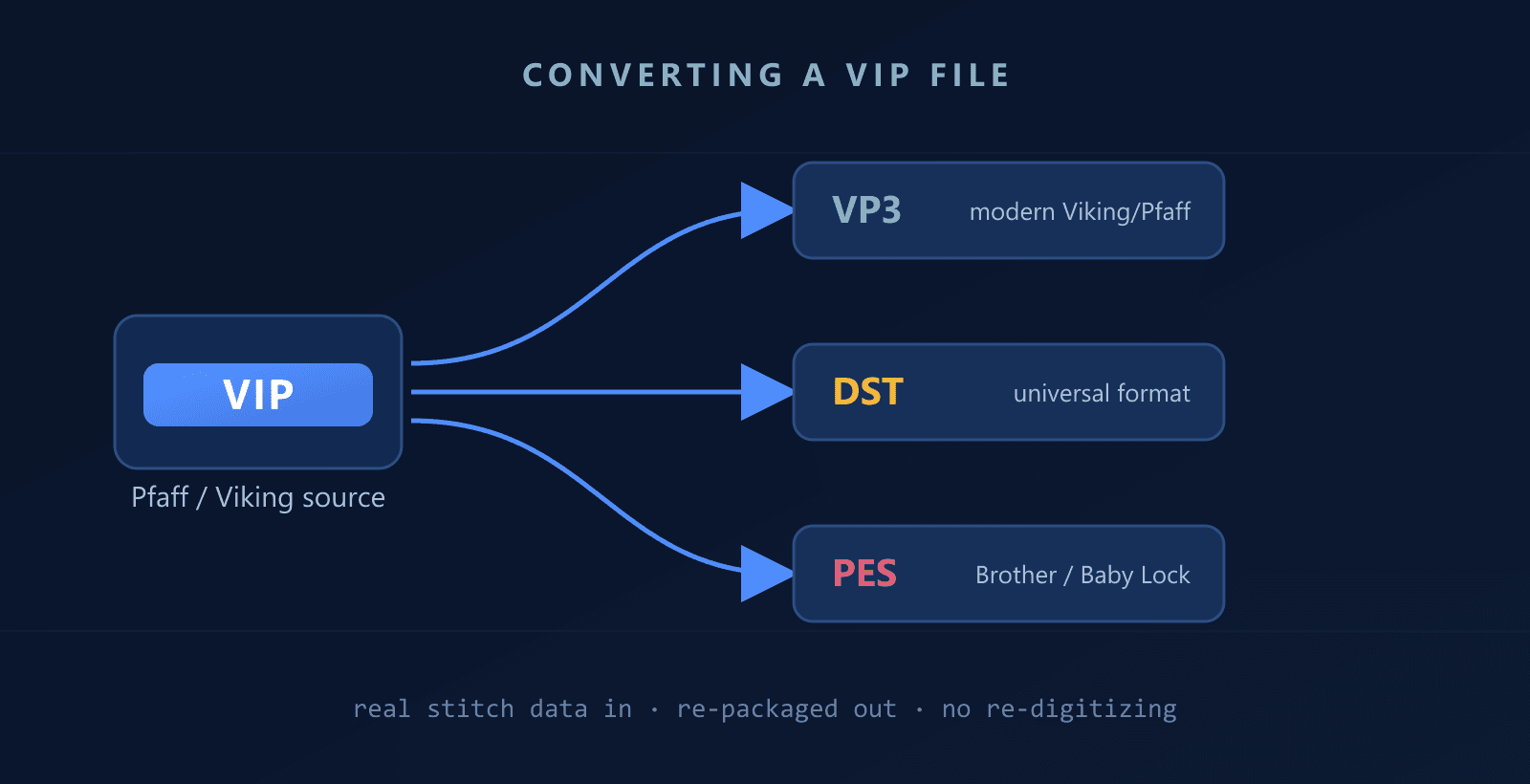
The most useful conversions are:
- VIP to VP3 — to modernize a design for newer Viking and Pfaff machines
- VIP to DST — the universal format read by virtually every embroidery machine
- VIP to PES — for Brother and Baby Lock machines
Because a VIP file already contains real stitch data, converting it is direct — you are re-packaging existing stitches into another format, not re-digitizing artwork from scratch. Note that converting to a color-less format like DST will drop the thread color information, so keep a copy of your original VIP (or convert to VP3 or PES) if you want the colors preserved.
View and inspect your embroidery designs free
Preview stitches, colors, and dimensions right in your browser — no software, no account.
VIP vs DST: What's the Difference?
The clearest way to understand VIP is to compare it with DST, the universal embroidery trade format:
| VIP File | DST File |
|---|---|
| Viking & Pfaff native format | Universal Tajima format |
| Stores thread colors | No thread colors stored |
| Includes a preview image | No preview image |
| Legacy / older machines | Read by almost every machine |
| Limited outside Viking/Pfaff | Industry-wide compatibility |
For a deeper look at how the universal format works and where it differs from color-aware formats, see our guides on the DST format, the HUS format, and DST vs PES.
Frequently Asked Questions
VIP is the file extension for the Viking/Pfaff embroidery format, the shared native format created for Husqvarna Viking and Pfaff embroidery machines. The name comes from the brand family rather than an acronym.
VIP is the classic native format for older Husqvarna Viking and Pfaff home embroidery machines, which share a parent company. Newer Viking and Pfaff models have largely moved to the VP3 format, though many still read VIP for backward compatibility.
Yes. Unlike the DST format, a VIP file stores its own thread color information along with the stitch data, so the design opens with its intended colors instead of placeholder ones.
Both are Viking and Pfaff formats, but VIP is the older one and VP3 is its richer, more modern successor. VP3 stores more metadata and thread detail, so newer machines usually prefer it, while VIP remains common in older design libraries.
You can open a VIP file on a compatible Husqvarna Viking or Pfaff machine, in embroidery software that supports the format, or by uploading it to a free online embroidery viewer to preview the stitches in your browser.
Yes. Embroidery software and online converters can convert a VIP file to VP3, DST, PES, and other formats. Because VIP already contains real stitch data, converting it is straightforward and does not require re-digitizing.
Conclusion
The VIP format is a classic, color-aware embroidery format built for Husqvarna Viking and Pfaff machines. It stores stitch data, thread colors, and a preview image, which makes it convenient inside the Viking and Pfaff ecosystem — but its age means limited compatibility elsewhere, and newer machines increasingly favor its successor, VP3.
If you have a VIP design you want to stitch on a newer machine, share with someone else, or use on a different brand, converting it to VP3, DST, or PES is quick and reliable. And whenever you just need to check what a design looks like, a free online viewer is the fastest way to preview it before you thread your machine.